S32Z27X-DC
This topic describes detailed SoC settings for the following hardware:
Target |
Supported SoCs |
Board User's Manual |
|---|---|---|
NXP S32Z27X-DC |
S32Z_R52 |
General Configuration
1. Create a New Workspace via File > Workspace > New Workspace and follow the wizard.
2. Select your Target Board.
Once your workspace is created, you can recall this dialog by clicking Hardware > Select target.
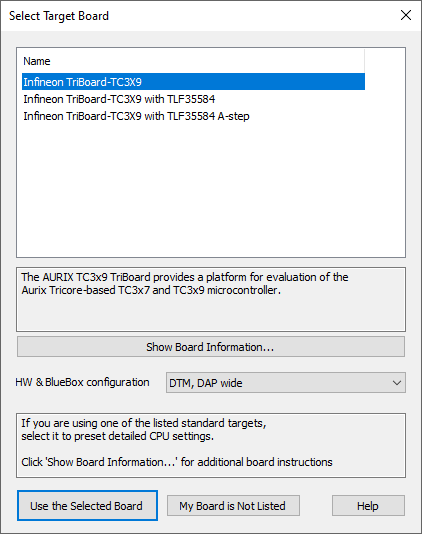
Example dialog
|
If your Target Board is not supported in winIDEA, contact Technical support. |