TC334 lite kit
This topic describes detailed SoC settings for the following hardware:
•Target: Infineon TC334 lite kit
•Supported SoC: TC334LP
•Board User's Manual: Infineon TC334 lite kit
General Configuration
1. Create a New Workspace via File > Workspace > New Workspace and follow the wizard.
2. Select your Target Board.
Once your workspace is created, you can recall this dialog by clicking Hardware > Select target.
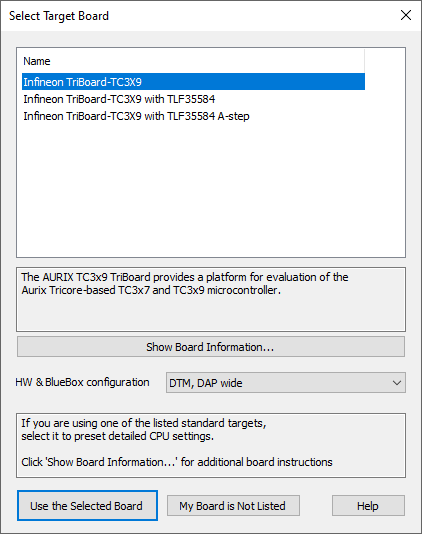
Example dialog
|
If your Target Board is not supported in winIDEA, contact Technical support. |