S32K3X4EVB-T172
This topic describes detailed SoC settings for the following hardware:
Tartget |
Supported SoCs |
User Manual |
|---|---|---|
NXP S32K3X4EVB-T172 |
S32K344 |
General Configuration
1. Create a New Workspace via File > Workspace > New Workspace and follow the wizard.
2. Select your Target Board.
Once your workspace is created, you can recall this dialog by clicking Hardware > Select target.
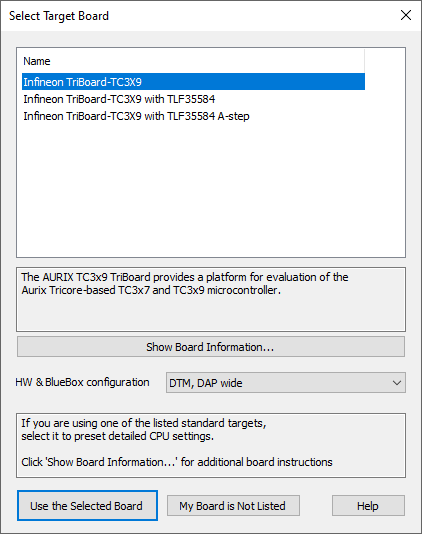
Example dialog
Additional Configuration
Extra configuration is required to be able to debug.
1. Select a configuration preset based on the hardware and BlueBox configuration.
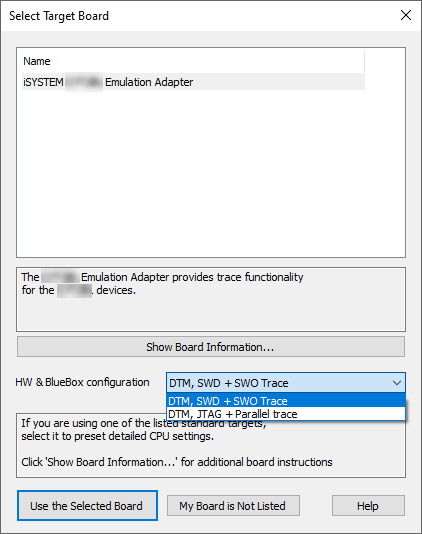
Example dialog
2. Configure the SWO clock
Make sure to match the SWO clock settings to the CPU clock settings used in the application. Refer to:
•SoC settings in Hardware > CPU Options > SoC
|
If your Target Board is not supported in winIDEA, contact Technical support. |