ST SPC58 2B Line
This topic describes detailed SoC settings for the following hardware:
•Emulation Adapter: ST SPC58 2B Line
•Supported SoCs:
oSPC582B50
oSPC582B54
oSPC582B60
•User Manual: ST SPC58 2B Line Emulation Adapter
General Configuration
1. Create a New Workspace via File > Workspace > New Workspace and follow the wizard.
2. Select your Target Board.
Once your workspace is created, you can recall this dialog by clicking Hardware > Select target.
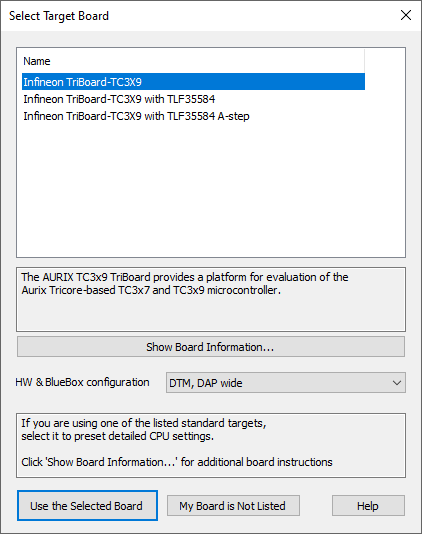
Example dialog