Infineon TC377TE Compact
This topic describes detailed SoC settings for the following hardware:
•Emulation Adapter: Infineon TC377TE Compact
•Supported SoCs:
oTC327LP
oTC337LP
oTC367DP
oTC377TP
•User Manual: Infineon TC377TE Compact
General Configuration
1. Create a New Workspace via File > Workspace > New Workspace and follow the wizard.
2. Select your Target Board.
Once your workspace is created, you can recall this dialog by clicking Hardware > Select target.
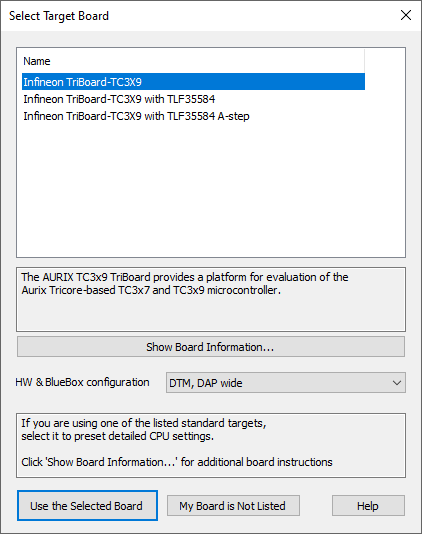
Example dialog
Additional Configuration
Extra configuration based on the preferred Debug Protocol is required to be able to debug.
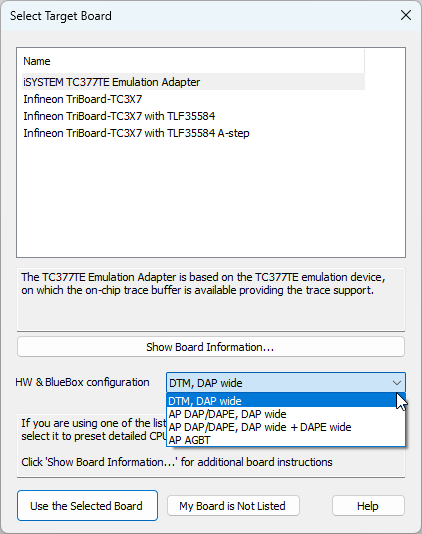
Example dialog
More information about the Debug Protocol in the SoC chapter.